cyberlucifolium
music/artwork by kaitwillows
september 1st, 2025
© 2025 selfsynthesized
this is the first song of this little “challenge” i’m doing for myself, where i make and release one song per month for 12 months.
i might be cheating a little bit with this first song, as i made it probably over a year ago, and it just lived as an .mp3 on my old phone for a while. every other song will be made as this year goes by.
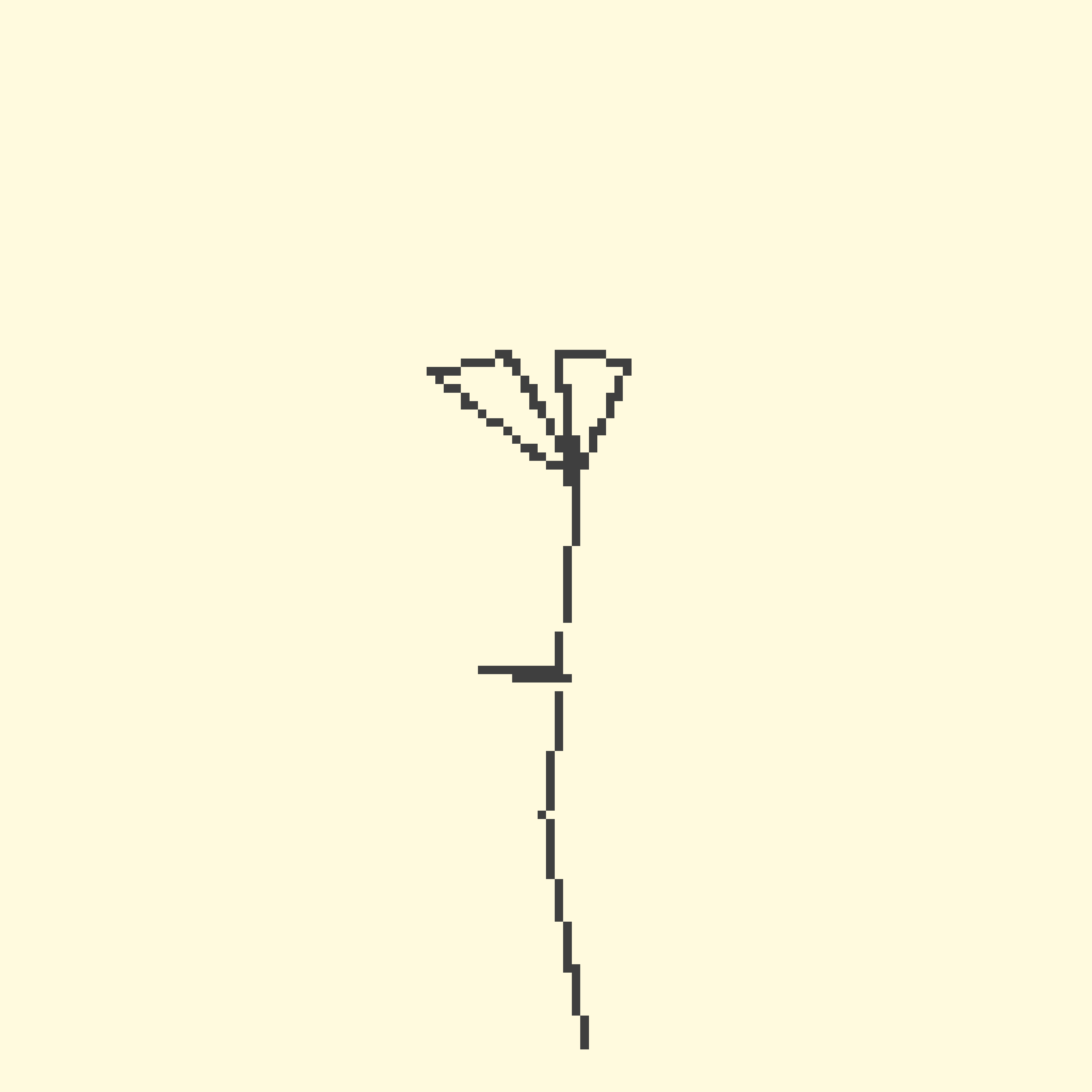
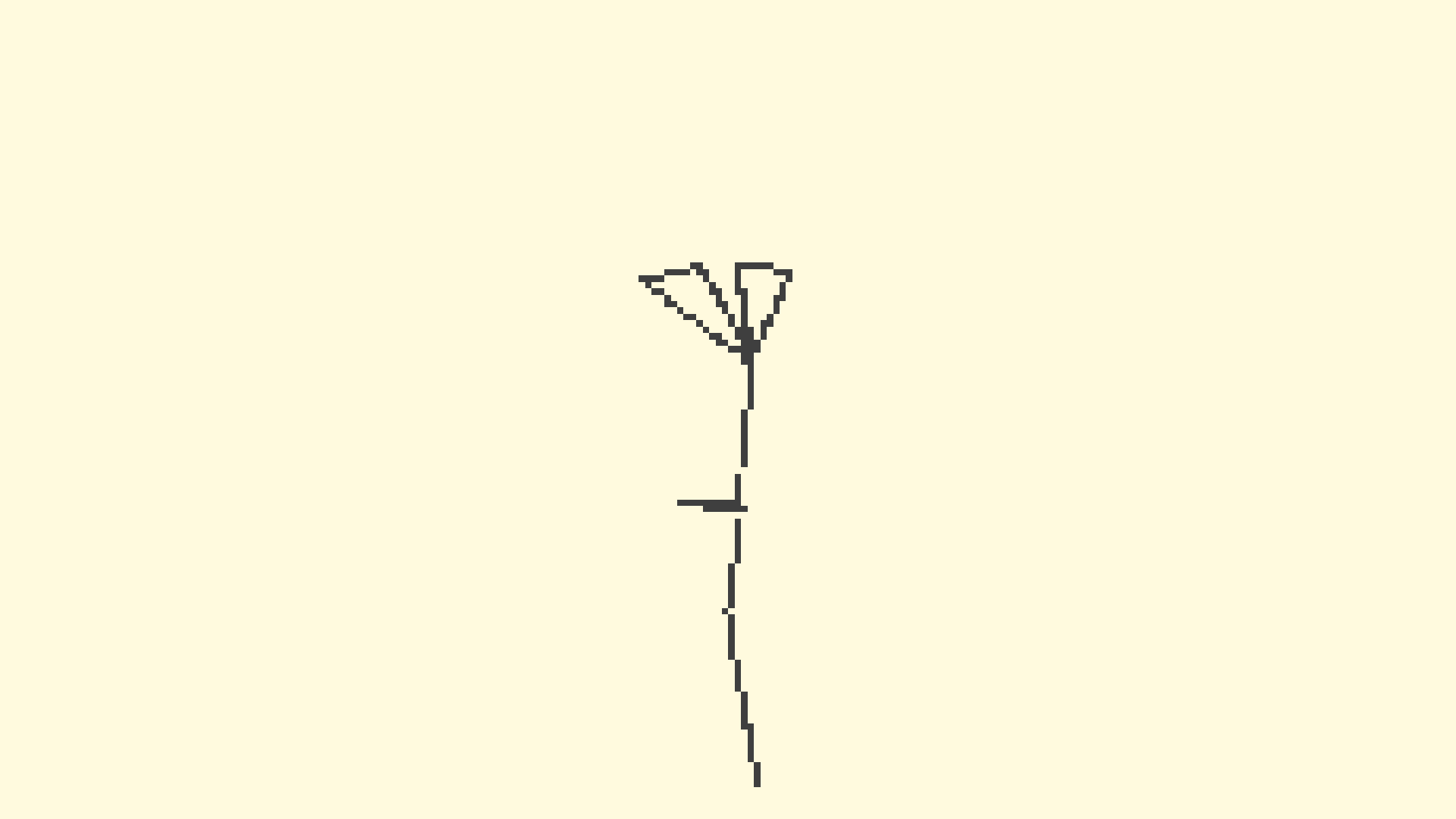
on the song itself, i don’t have a lot to say. it has no lyrics, but as i was making it i thought of the title “cyberlucifolium breathing” as some sort of vague idea of a living plant powered by yellow gloey circuitry.
as i was thinking about a cover art / visualizer, i thought about recreating porter robinson’s squiggly style as a 3d rendering engine from scratch (as i’m thinking about it, the idea was verbatim just the start of the dullscythe video). except, i kinda wanted it to seem like the lines were “drawn” in real time by a little moving pixel. i got really lazy though and it doesn’t really match what was in my head but eh whatever.
also idk the colour scheme with the beige and grey (although it’s not super obvious its grey) is kinda nice idk i like it yuh
ALSO lmao sorry i will admit it’s probably not produced/mixed/mastered well at all. i think i made it in like, a couple hours, definitely didn’t mix it or anything, and it’s the first song i ever “mastered” (which was just making sure it was loud enough)
kaitlyn from the future would like to acknowledge that i very much never followed through with the 12 month thing. i have since found out i have executive function issues.
files
master mixes
final lossy mp3 320kbps:
final lossless flac:
covers
3000x3000 cover:
1920x1080 widescreen cover:
videos
visualizer:
vertical trailer:
additional files
demos
i released this song i think over a year after i made the song, so all i had was the final mix in mp3 form, so these are just different versions of the master pretty much
cyberlucifolium_breathing (unmastered).mp3:
cyberlucifolium (master1) (EVIL version).mp3:
trailers.mp3:
trailer2 is that gonna be better.wav:
visualizer source code
index.html:
index
<!DOCTYPE html>
<html lang="en">
<head>
  <meta charset="UTF-8">
  <meta name="viewport" content="width=device-width, initial-scale=1.0">
  <title>cyberlucifolium</title>
  <style>
    body {
      color: rgb(63, 63, 63);
      margin: 0;
      display: flex;
      align-items: center;
      flex-direction: column;
      background-color: #fffade;
      font-size: large;
    }
    canvas {
      border: 1px solid #000;
      max-width: 90vw;
    }
    .outtercontainer {
      padding-top: 40px;
      padding-bottom: 20px;
    }
  </style>
</head>
<body>
  <div class="outtercontainer">
    <canvas id="myCanvas" width="512" height="512" style="border-width: 2px;">
      <script src="pixltrace.js" defer></script>
    </canvas>
  </div>
</body>
</html>
pixltrace.js:
pixltrace.js
//
// hiiii welcome to my shit code :p
// it's kinda shit, but feel free to use it for whatever you want,
// for your own projects and whatnot, so long as it's not for hate
//


const canvas = document.getElementById('myCanvas');
const ctx = canvas.getContext('2d');

canvasSize = 512;
const drawScale = 3; // so a 128 canvas, projected to 512 (i think idk)
let time = 0;
let depthScale = .01;
let boxScale = 30;
let lineSpeed = 4
const drawLines = true;
const rotateSpeed = 0.02;
initialRotation = 3;

let simplePoints = [
  // i found these points by trial and error, a much better way might be to make cubes in blender then copy over their coordinates to here
  // or make some way to interactively move each point in the web browser. i'm too lazy to do that though :(
  [ 0,  0,    -2.5 ],
  [ 0,  0.2,  -.5],
  [ 0,  0.1,  0  ],
  [ 0,  0.5,  0.1  ],
  [ 0,  0.1,  0  ],
  [ -0.08,  0.1,  0.8  ],
  [ .5,  0.4,  1.2  ],
  [ 0.5,  0,  1.3  ],
  [ -0.08,  0.1,  0.8  ],
  [ 0.35,  -0.15,  1.3  ],
  [ 0.20,  -0.46,  1.28  ],
  [ -0.08,  0.1,  0.8  ],
];

let points = []
function populatePoints(simplePoints) {
  thisCounter = 0 // i swear i'll do better
  for (let point of simplePoints) {
    newPoint = {
      x: point[0] * boxScale,
      y: point[1] * boxScale,
      z: (-point[2] * boxScale) + 30,
      links: [thisCounter+1, thisCounter-1]}

    if (newPoint.links[0] >= simplePoints.length) {
      newPoint.links.splice(0, 1);
    }
    if (newPoint.links[1] < 0) {
      newPoint.links.splice(1, 1);
    }
    // account for out of bounds shit
    points.push(newPoint);
    thisCounter ++;
  };
};
populatePoints(simplePoints);


// pixl is the little thing that draws the line, you can kinda see
// how at the start of the video (or when you refresh) it's just a
// little line, then speeds up. it worked better in my head. also
// it's named after those little things in super paper mario :3
let pixl = {x: 0, y: 0, z: 0}
let pixlTargetNumber = 1


function rotatePoint(point, degrees) {
  x =
    point.x * Math.cos(degrees) +
    point.y * -Math.sin(degrees) +
    0;
  y =
    point.x * Math.sin(degrees) +
    point.y * Math.cos(degrees) +
    0;
  z =
    0 +
    0 +
    point.z * 1;

  point.x = x
  point.y = y
  point.z = z

  return {x: x, y: y, z: z}
}


function projectPoint(point3d) {
  let point2d = { // placeholders
    x: 0,
    y: 0
  }

  point2d.x = (canvasSize/2) + Math.round(((point3d.y + (point3d.y * point3d.x * depthScale)))) * drawScale;
  point2d.y = (canvasSize/2) + Math.round(((point3d.z + (point3d.z * point3d.x * depthScale)))) * drawScale;
  return point2d;

}


function movePixl() {

  minimumDistance = 2;
  speed = 1;

  newPoint = find3dSum(
    pixl,
    find3dScalar(
      find3dDelta(points[pixlTargetNumber], pixl),
      speed * (1/find3dDistance(pixl, points[pixlTargetNumber]))
    )
  );

  if (find3dDistance(pixl, points[pixlTargetNumber]) < minimumDistance) {
    pixlTargetNumber++;
    console.log(pixlTargetNumber)
    if (pixlTargetNumber >= points.length) {
      newPoint = {x: 0*boxScale, y: 0*boxScale, z: 2.5*boxScale}
      pixlTargetNumber = 1;
    }

  }
  pixl.x = newPoint.x;
  pixl.y = newPoint.y;
  pixl.z = newPoint.z;
}

let lastTime = 0;
const fps = 10;
const interval = 1000/fps;

for (let point of points) {
  point2d = projectPoint(point);
  ctx.fillRect(
    point2d.x,
    point2d.y,
    drawScale,
    drawScale
  );
  rotatePoint(point, initialRotation);
}
function draw(timestamp) {

  if (lineSpeed < 300) {
    lineSpeed += 0.30;
  }

  if (timestamp - lastTime >= interval) {
    lastTime = timestamp;
    ctx.clearRect(0, 0, canvas.width, canvas.height);
    ctx.fillStyle = 'rgba(63, 63, 63, 1)';
    if (drawLines) {
      for (let i = 0; i < lineSpeed; i++) {
        point2d = projectPoint(pixl);
        ctx.fillRect(
          point2d.x,
          point2d.y,
          drawScale,
          drawScale
        );
        movePixl(pixl)

      }
    }
    for (let point of points) {
      rotatePoint(point, rotateSpeed);
    }
  }
  requestAnimationFrame(draw);
}
draw()


function find3dDelta (point1, point2) {
  return {
    x: point1.x - point2.x,
    y: point1.y - point2.y,
    z: point1.z - point2.z
  }
}

function find3dDistance (point1, point2) {
  delta = find3dDelta(point1, point2)
  return Math.sqrt((delta.x ** 2) + (delta.y ** 2) + (delta.z ** 2))
}

function find3dSum(point1, point2) {
  return {
    x: point1.x + point2.x,
    y: point1.y + point2.y,
    z: point1.z + point2.z
  };
}

function find3dScalar(point1, scalar) {
  return {
    x: scalar * point1.x,
    y: scalar * point1.y,
    z: scalar * point1.z,
  };
}